
Co-branded Site
Care Connect can create and configure a co-branded site for your company to enable a customized shopping experience specific to your company’s and employee members' needs.
Types of Co-branded Sites
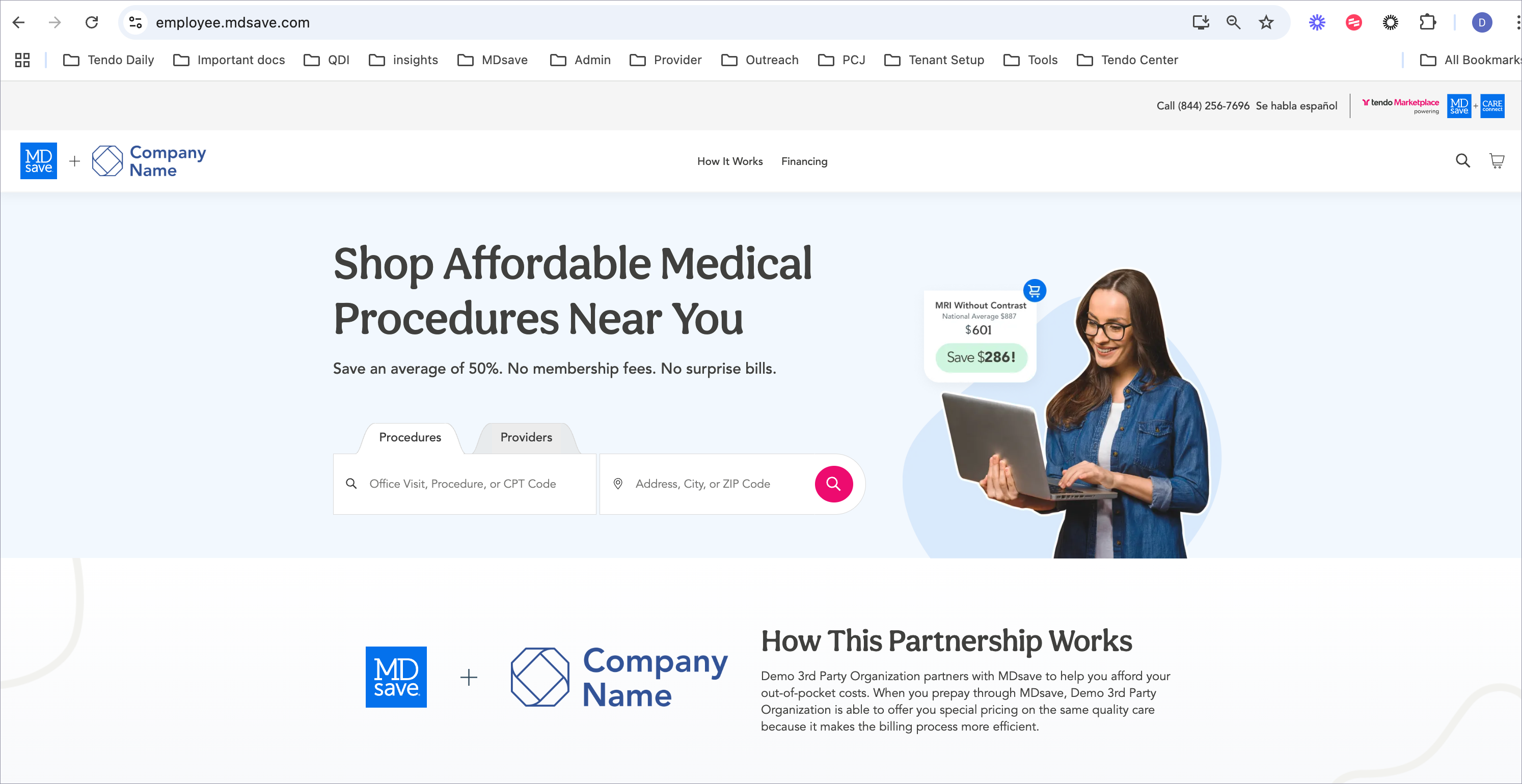
Private Label Site - This is a cobranded Employee Member site (demo example: https://employee. mdsave.com). The company logo appears in the header and with How this Partnership Works on the home page. Your account manager configures the custom copy, while your logo is pulled from your associated company.
When you use this option, if you want it to include prices that are not available on the MDsave public marketplace, it must be embedded in an app without the ability for users to extract the URL. This prevents sharing of the link.
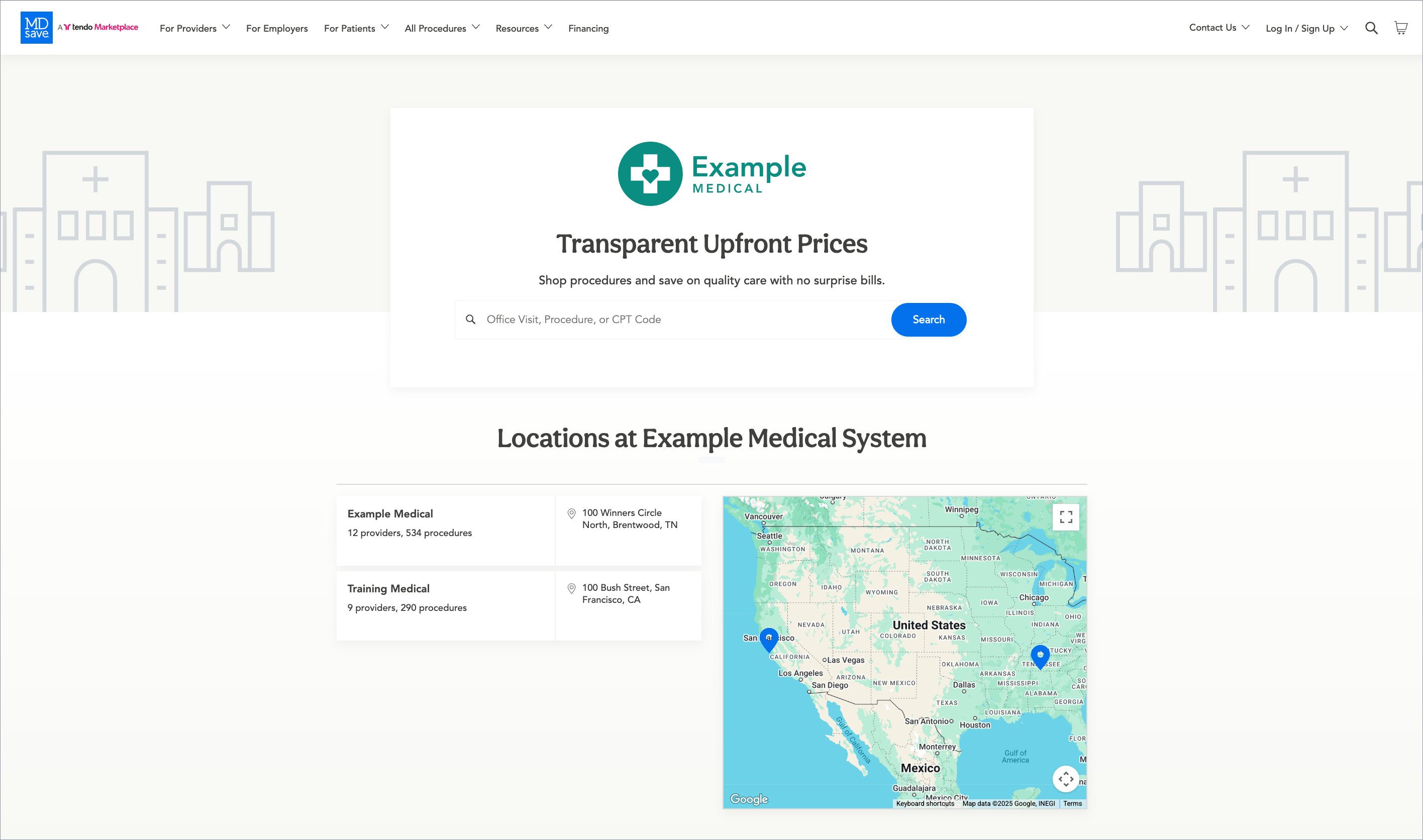
Care Connect portal for a single hospital or system - The home page can be set to a hospital system or group page, where the hospital's logo is prominently featured.
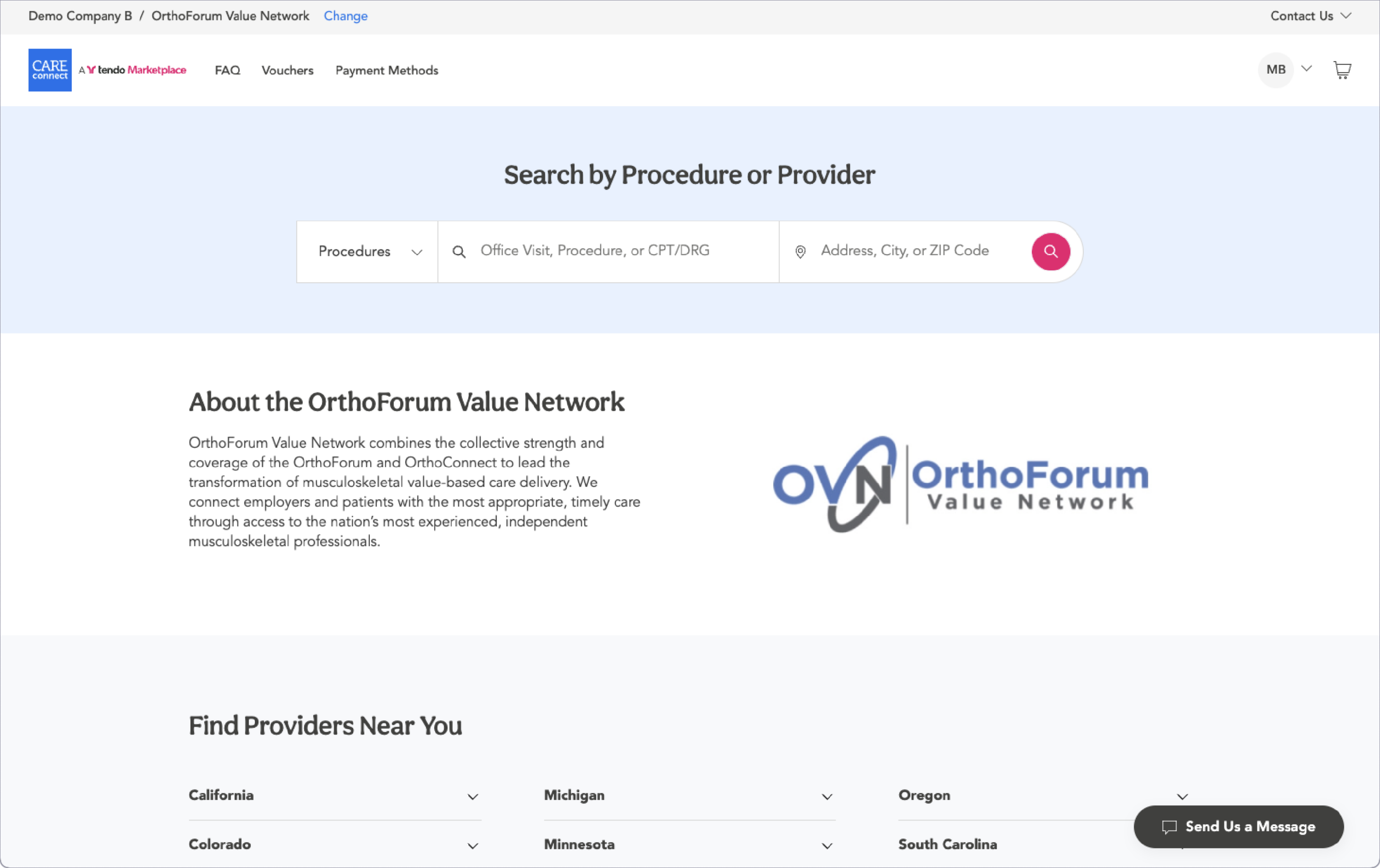
Care Connect portal for a narrow network - If your organization contracts with a single healthcare organization to provide care and you only want those providers' procedures to appear as options on your company page, a custom logo for that narrow network can be configured to display in place of the United States map.
Current payment options are restricted to the typical consumer payment methods - credit cards, Care Credit, and Paypal.
What Care Connect Needs from You
Your account manager will need the following to configure your co-branded site:
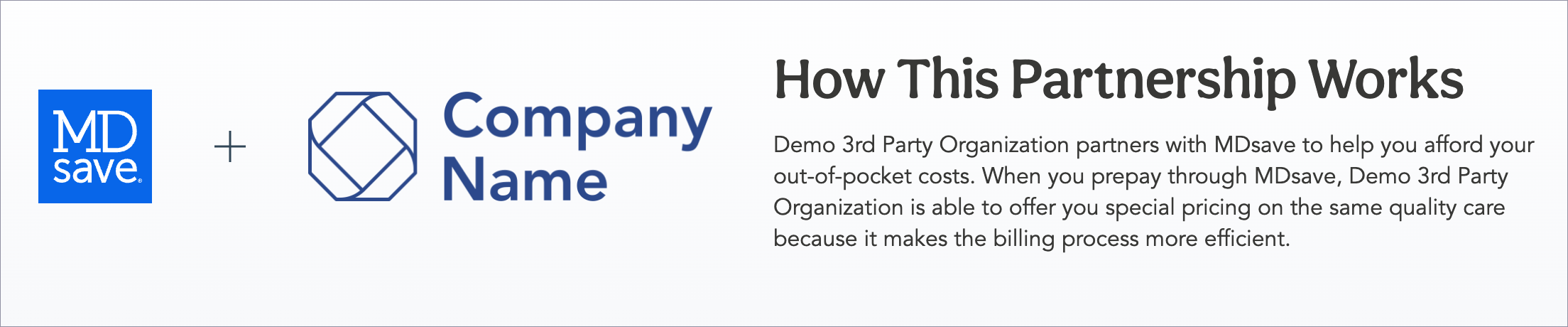
- Header and Body Text for the Partnership Description - These will display on your MDsave homepage.
- Hospitals you want to display on the site - Your account manager can customize your company's settings to show only procedures from a particular group or hospital system. Selecting a group or hospital system will restrict searching and buying on the site to only providers and procedures listed under the group(s) under that system.
- Custom URL - This is the path used for Employee Welcome pages, in the file name of Invoice PDFs and Excel files, and in datafeed and API URLs. Care Connect doesn't want its partners to share broadly links to sites that include Care Connect offers, so there are two URL options your company can have:
- A co-branded site with a public URL, but the company has access to only the MDsave Optimize Price network, which is the publicly available network available on MDsave’s consumer site.
- A co-branded site with an obscure URL, such as <a GUID>.mdsave.com, embedded within your mobile application (e.g., with a web view overlay or IFRAME). To do this, Care Connect needs to validate that the end user is not able to get the URL via other means, such as copy-and-paste links within the app.
- Your organization type - Are you an employer or another type of organization?
- Hide Company Costs on Vouchers on PDFs - Do you want to hide the company costs on voucher PDfs? If your company is paying for procedures, it may confuse patients to see prices on vouchers.
- Display physician and hospital quality ratings - If you choose not to display these ratings, your care navigators will see only patient ratings and reviews when they are shopping for procedures for employees.
Authorizing Providers to buy Care Connect Vouchers for Company Employees
Providers can purchase Care Connect vouchers within their Tendo Marketplace provider portal if
- They have opted to do so, and Tendo has configured this capability.
- Care Connect companies have authorized the provider to make these purchases and Tendo has configured it.
If you are interested in setting up the Care Connect option with one or more providers, contact your account manager or Tendo Support.
See Purchasing a Care Connect Voucher for a Patient in the Provider User Guide for more information.